
01
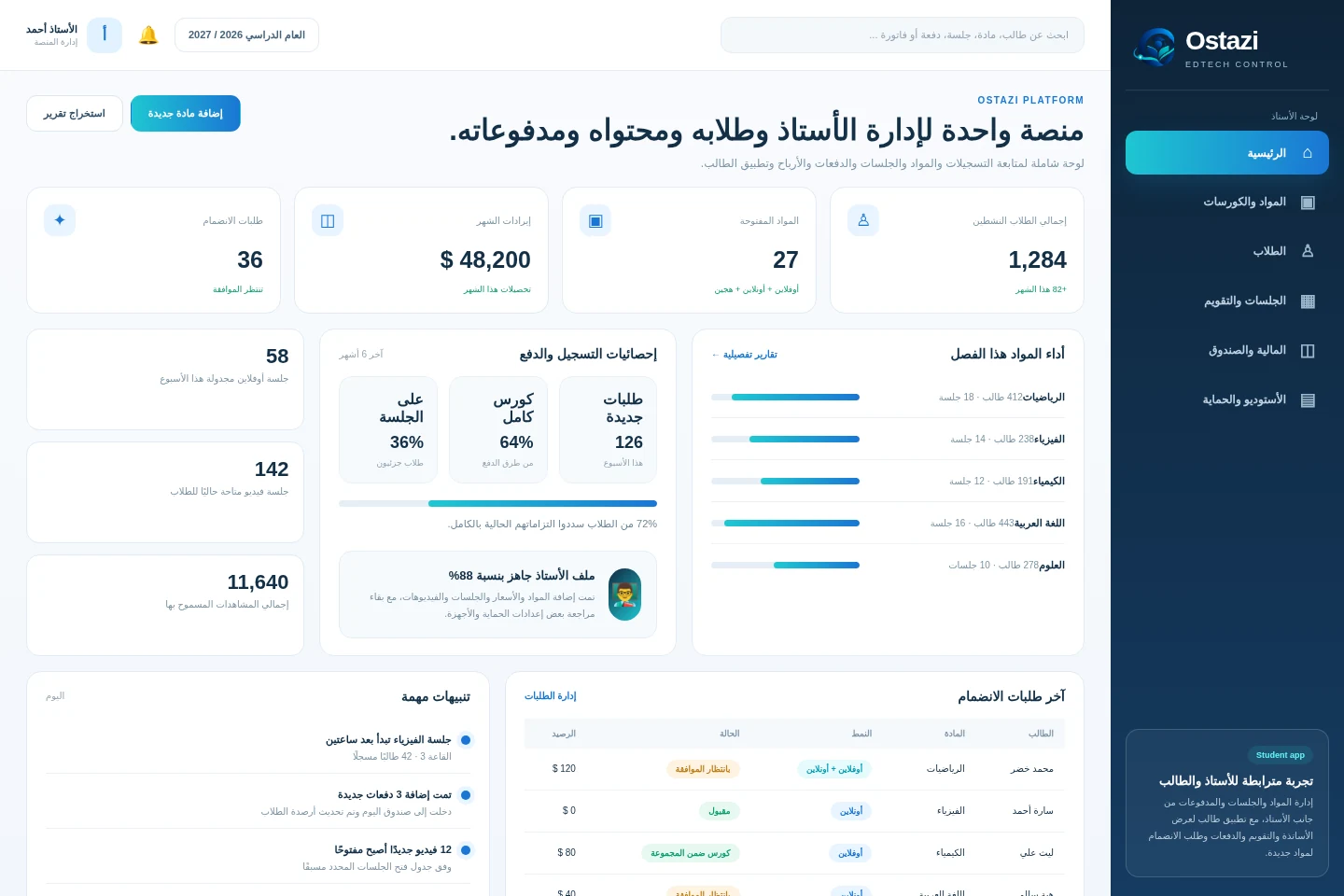
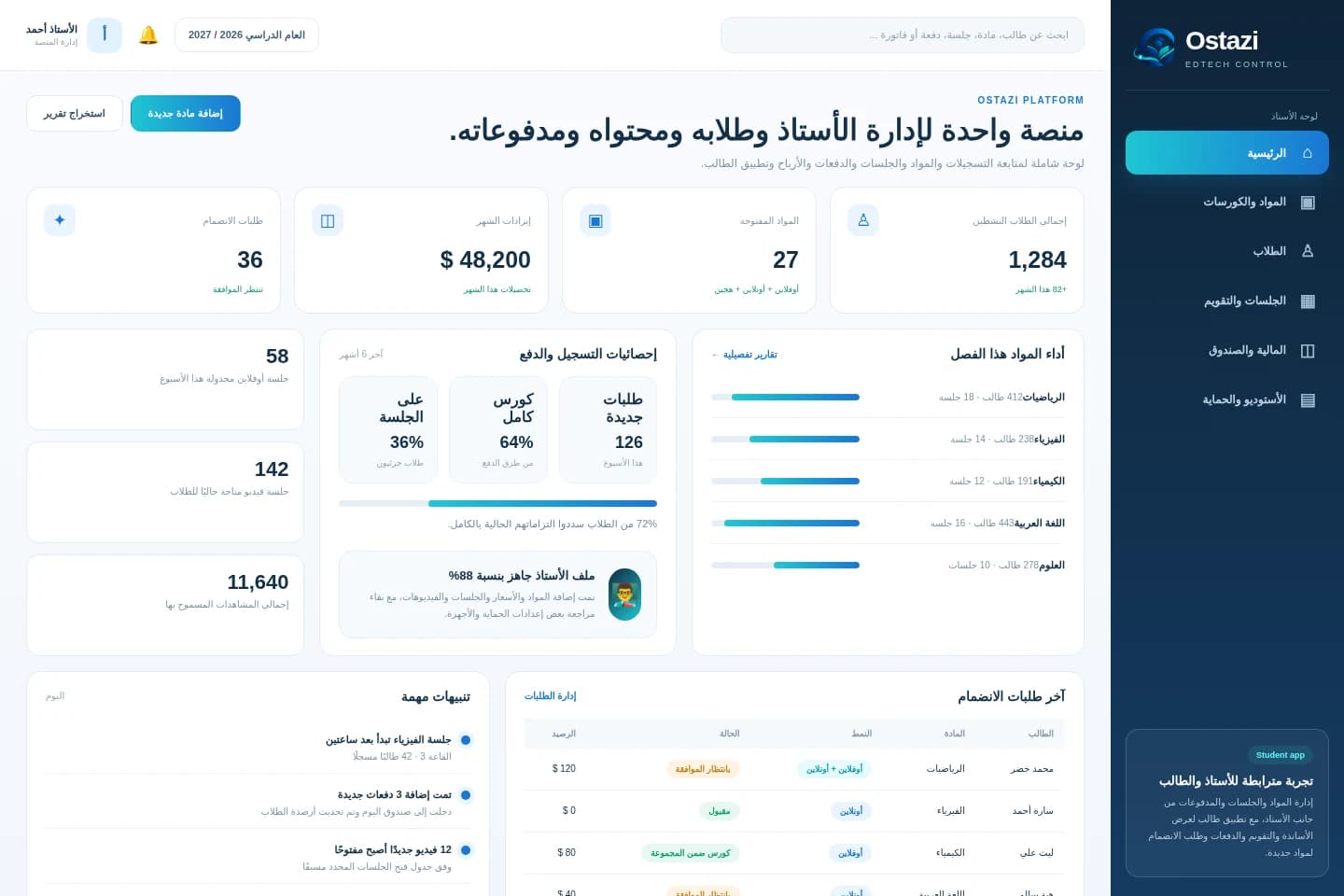
Teaching business dashboard
A high-level view of students, active subjects, payments, requests, and session activity.
 OstaziA digital classroom business, organized from one place.
Ostazi is a platform for teachers to manage students, subjects, offline groups, online sessions, protected lesson videos, payment models, schedules, and academic operations — with a companion app for students.
 Education management SaaS
Private teachers, tutoring centers, and educational teams that combine in-person and digital learning
Teachers who teach offline and online often rely on scattered tools for registration, scheduling, protected content, student balances, and course administration. This makes the teaching business harder to organize and scale.
Bring enrollment, subject setup, pricing, video access rules, session planning, student balances, and teacher analytics into one controlled workspace. Give each student a dedicated app to discover teachers, follow sessions, and manage payments.
Teacher onboarding with profile setup, teaching details, media, and public course presentation
Subjects with detailed descriptions, session counts, and independent offline, online, and hybrid pricing
Student requests, approvals, offline course confirmation, and enrollment across new or existing subjects
Protected lesson videos with timed opening, view limits, no-rewind playback, and anti-capture rules
Per-session or per-course pricing with separate rules for offline, online, or offline students adding online access
Teacher calendar for offline sessions, timetables, and operational scheduling
Student financial tracking: payments, balances, remaining dues, and course registration by term
Cashbox, revenue analysis by subject, and teaching business analytics
Student app for viewing teachers, upcoming sessions, calendars, balances, and requesting new subjects
Seven coherent screens built on one design system show how teachers, sessions, protected content, student balances, and the student app work together.
A high-level view of students, active subjects, payments, requests, and session activity.
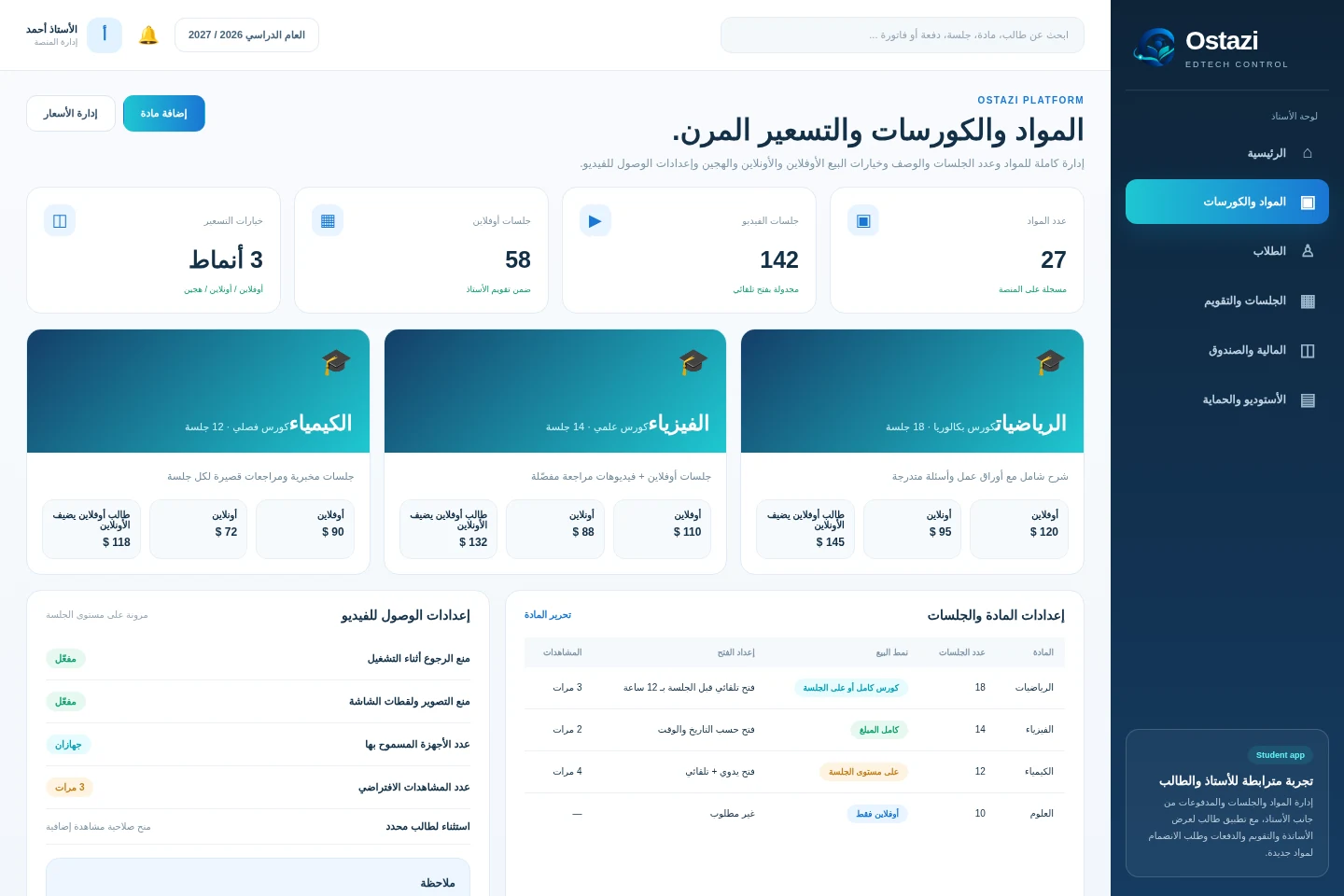
Define subject structure, number of sessions, course descriptions, and pricing for offline, online, and hybrid learners.
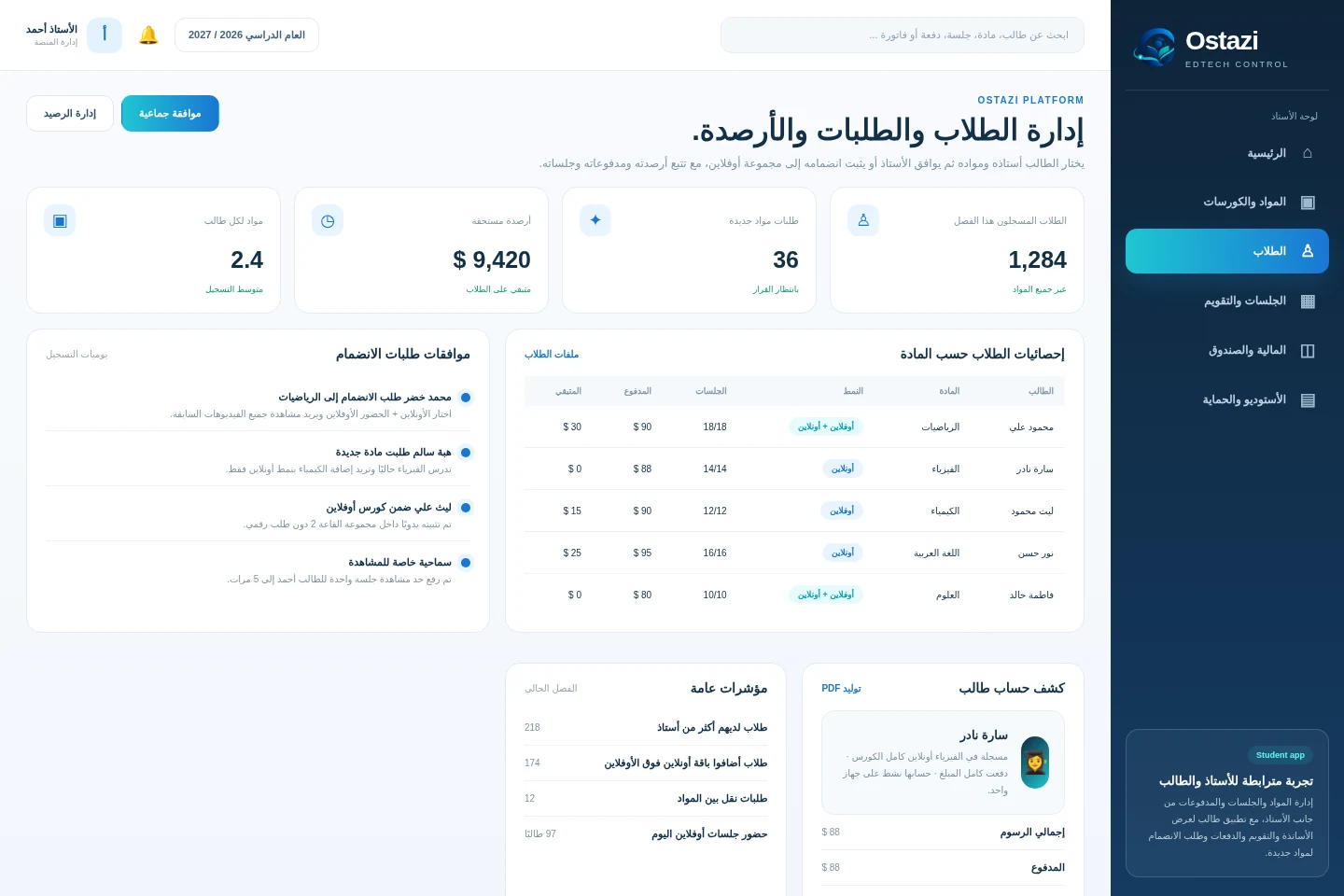
Approve students, confirm offline attendance, and follow each student’s payments and remaining balance.
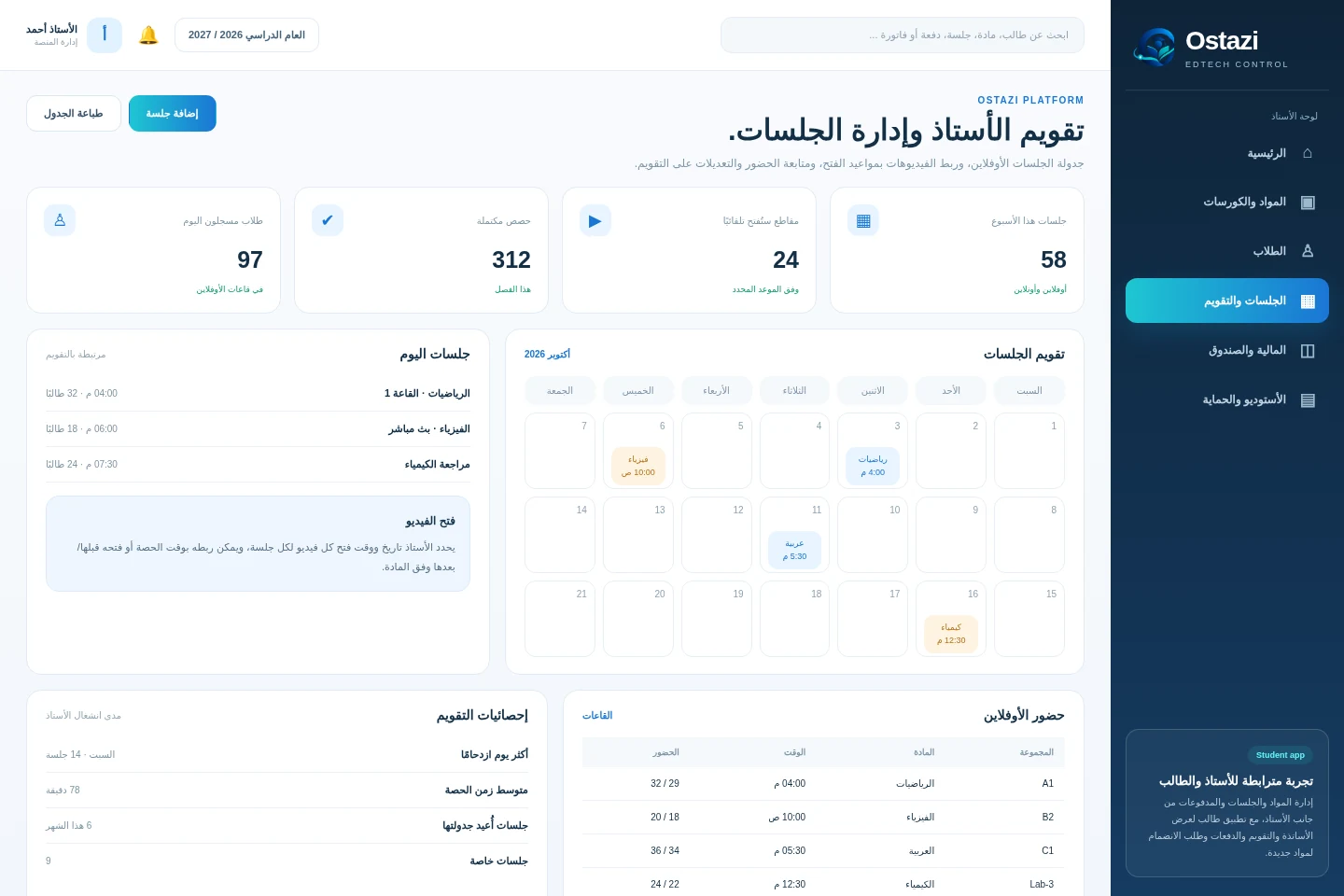
Schedule offline sessions, link online videos to dates, and manage attendance and timing from one calendar.
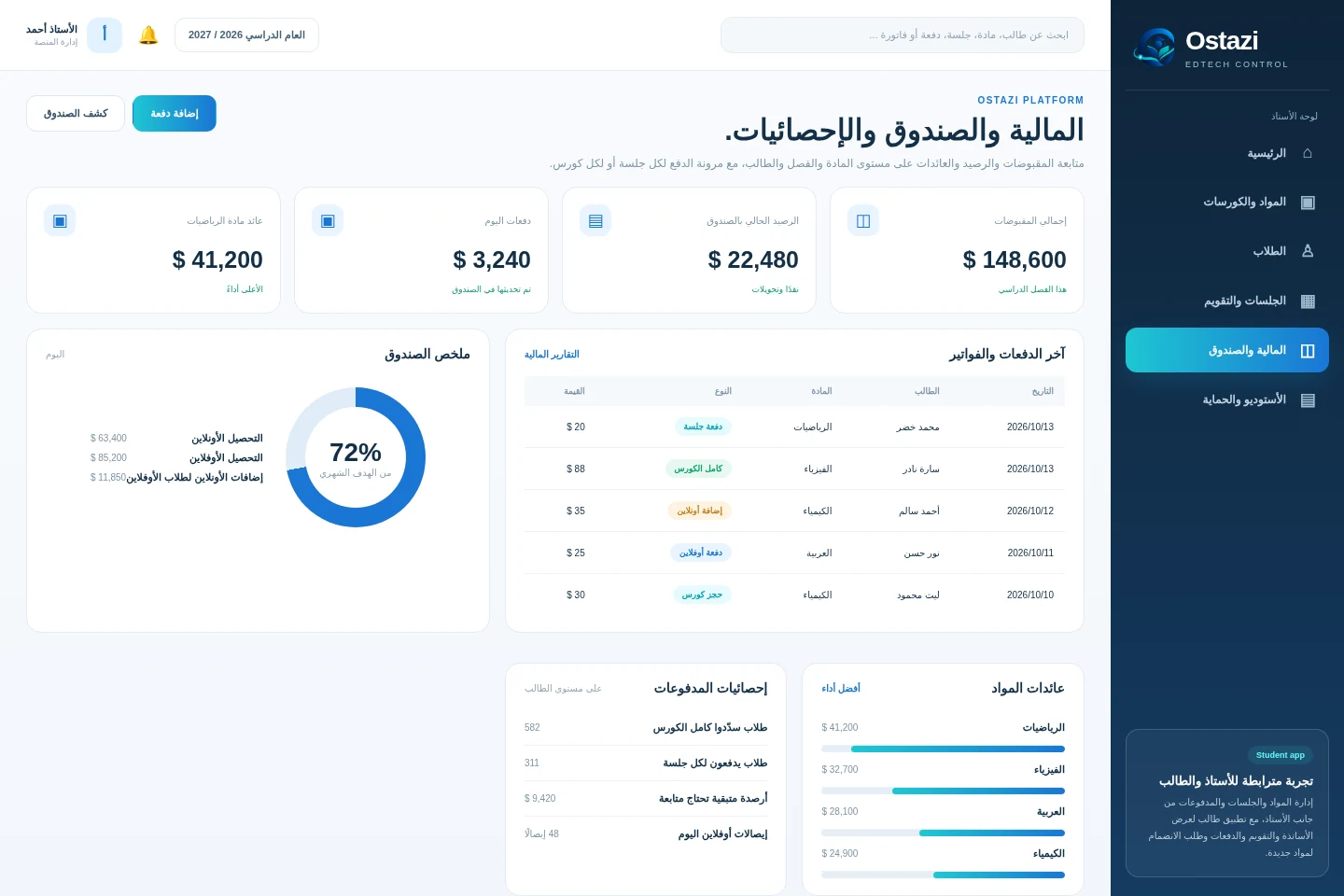
Track invoices, receipts, cashbox totals, and revenue by subject or payment model.
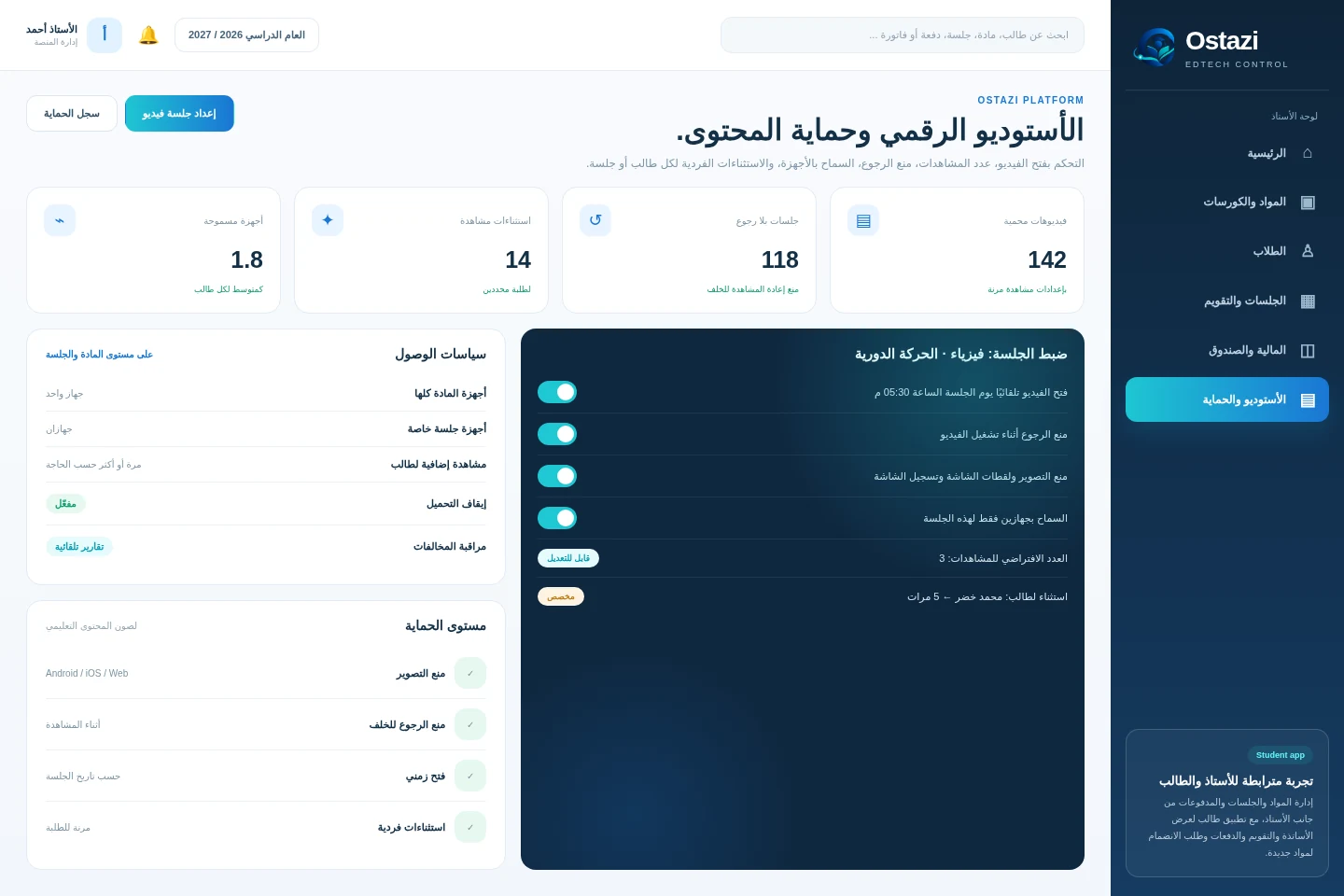
Configure opening times, view limits, device rules, anti-capture restrictions, and student-specific exceptions.
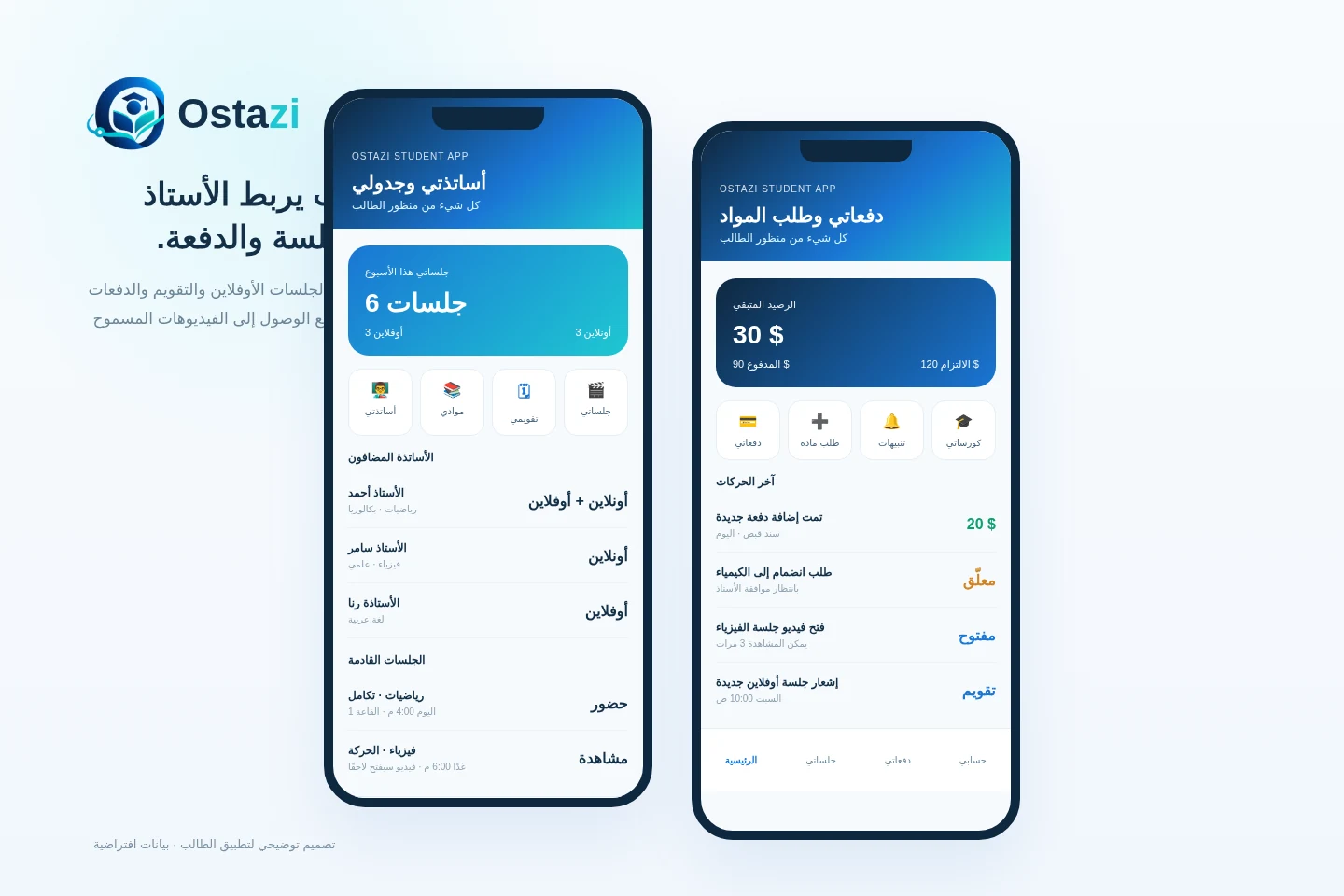
Students can view teachers, courses, upcoming sessions, balances, and request enrollment in new subjects.
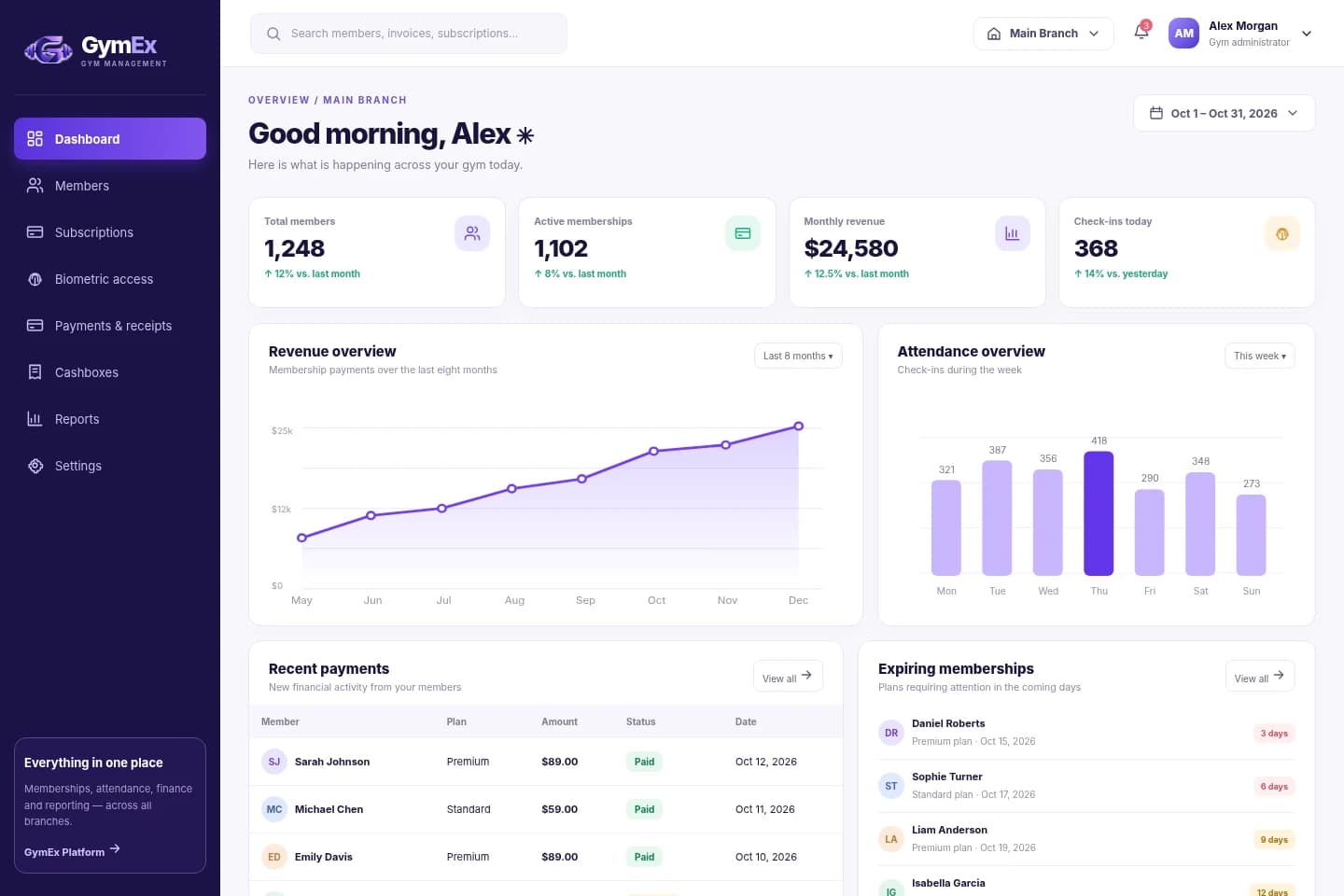
GymEx is a SaaS platform for gyms and fitness clubs that unifies members, subscriptions, biometric access, billing, cashboxes, renewals, and reporting, with a dedicated app for members.
Explore product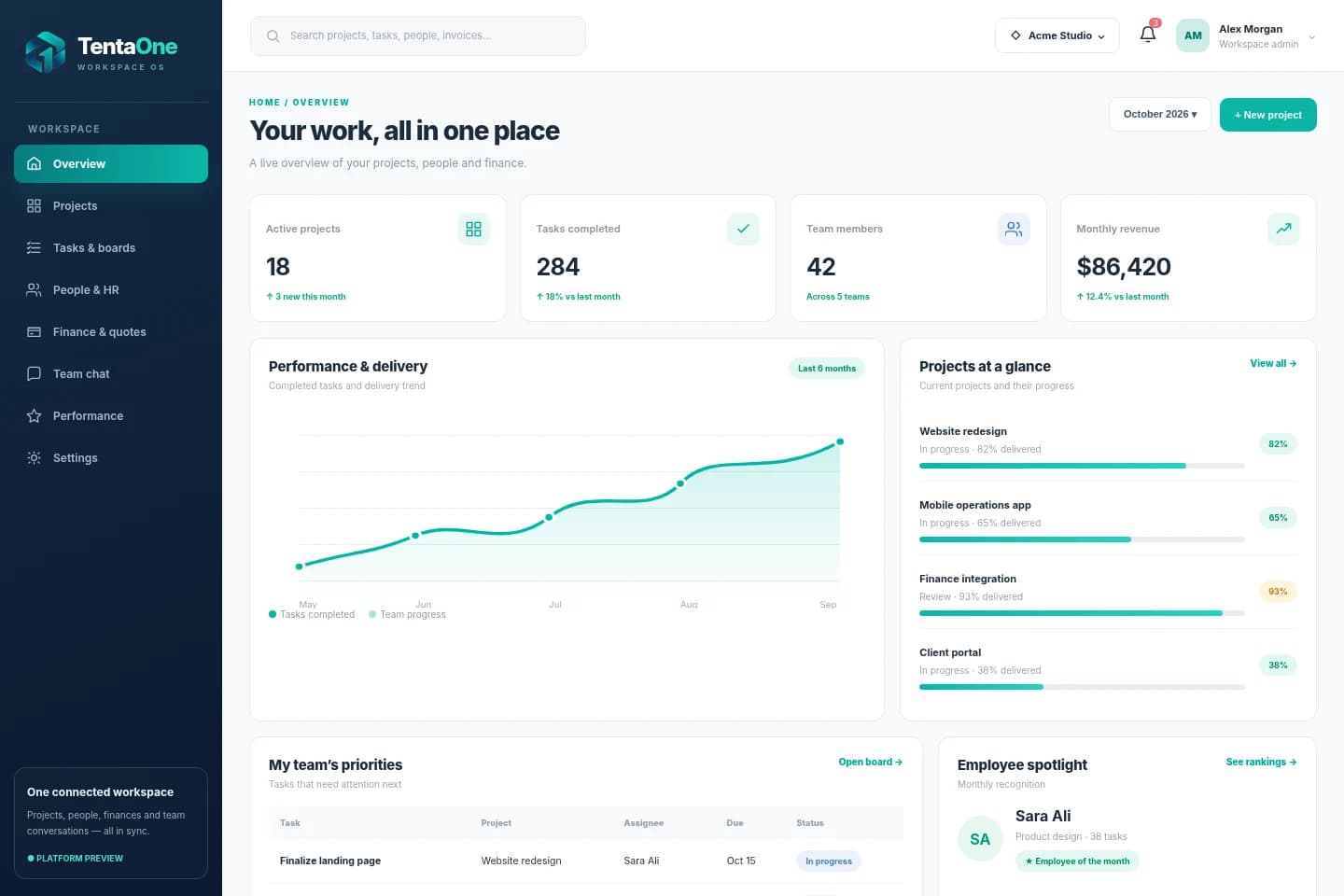
 TentaOne
TentaOne is an all-in-one business workspace that brings project planning, task assignments, employee HR, invoices, quotations, receipts, cashboxes, and internal conversations together — with contextual performance reporting and employee recognition.
Explore productA product idea, a complex platform, or an existing system that needs a better future — tell us what you have in mind.